
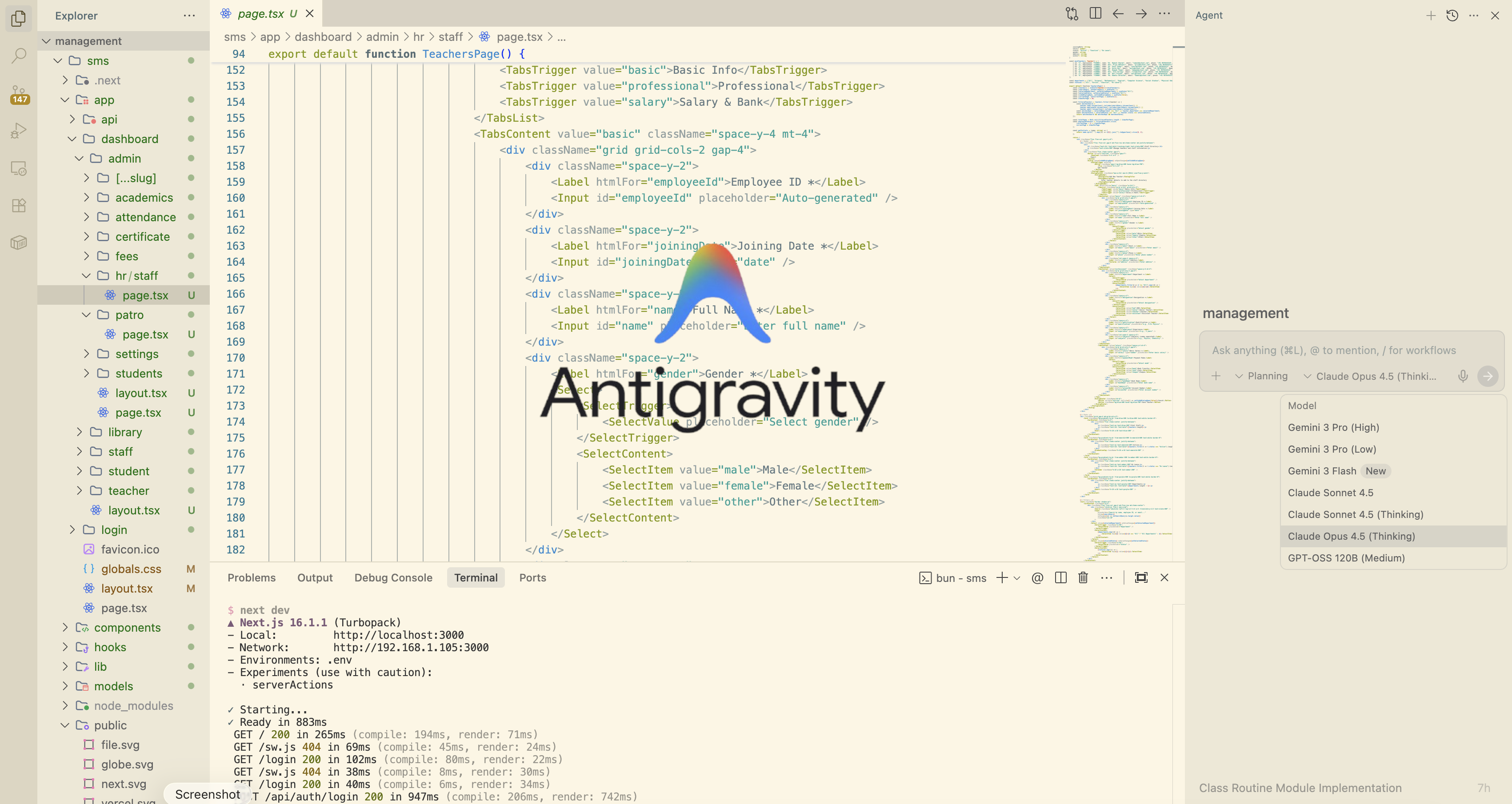
google anti-gravity just released An AI code editor about writing post, Google anti-graviting is game chnaging AI coding ide tool. If you use it the right way. antigravity many coding agent include AI Coding ide Gemimi 3 flash Gemimi pro Claude and GPT-OSS. In this post show the you how to used it how to set it up on your local computer or laptop and iam also going to to show you major feature that you need to know if you are using this ide.Here to do vide coding , This ide build entire apps build full stack app .backend and frontend simultally build app or website.just tell it what you want and AI agent do every thing. google anti-gravity most powerful AI tool that's come out this year. use the different mode or project how to make the agent work together how to build complex project step by step how to bug or trobleshoot when things go wrong , how to optimize for speed.How to use the advanced features that multiply your output ot your ptoject result and most importantly. Claude GPT-OSS and Gemini or all your other tool to build webiste,ganes and app,pretty much anything that you can think of.you build anti-gravity. so what you can do is inside antigravity , you can code out different things you want to. this ide build website tools dashboards auth and automations. Here crazy part. Then multple AI agent wotk. together to build this stuff out for you. one agent will write the code ,Another agent test it. Another agent fixes bugs and even take screenshots.
How to start google anti-gravity
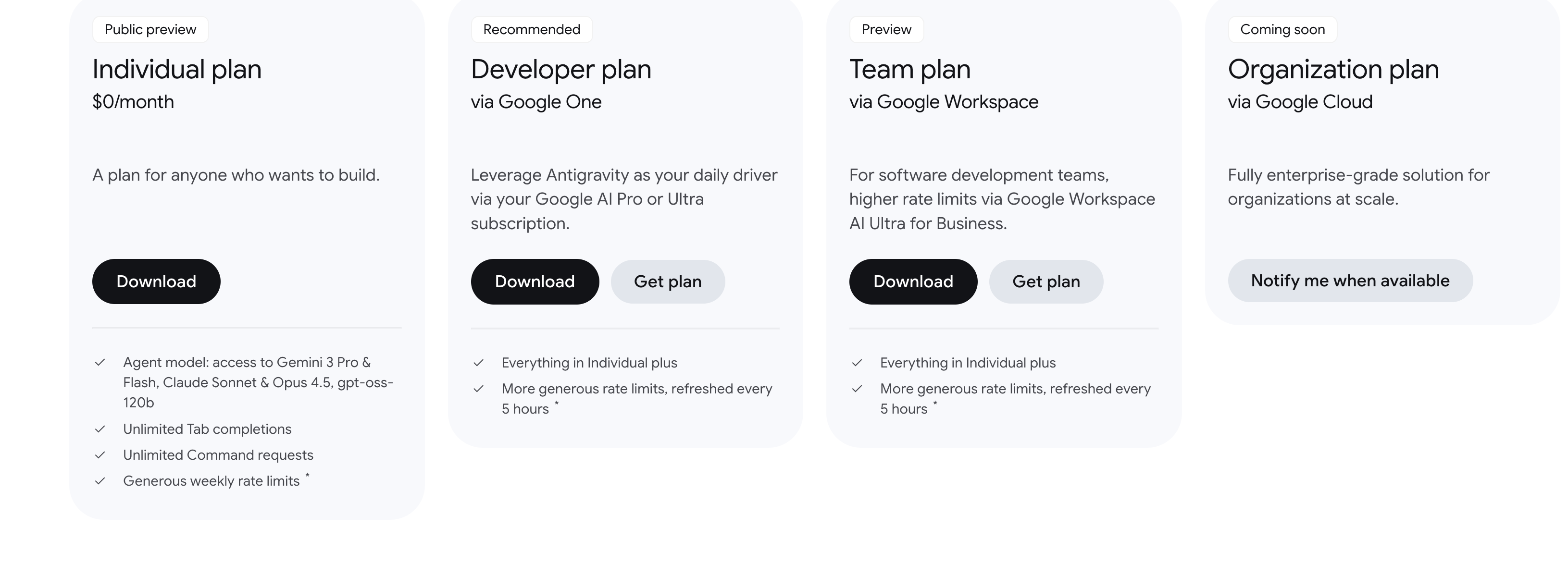
google anti-gravity